Title here
Summary here
The Gunsmith demo can be accessed via the Itch.io link below. This has been provided as an example of how the plugin can be implemented but is not an exhaustive list of functionality.
Test out weapons in the shooting range or experience the server-authoritative multiplayer experience by inviting your friends to a lobby.
Note
If the game is running slowly for you, try the scalability 1 console command to reduce the demo scalability settings. This will affect how the game looks but the experience should be smoother. The default value is 2.
You can also use sg.ResolutionQuality 50 and r.ScreenPercentage 50 to reduce the resolution quality and the screen percentage to more manageable levels. Feel free to tweak these numbers as you need.
The Gunsmith Demo will use a P2P server by default. To host a lobby, use the Create Multiplayer Game button in the escape menu. Once the new level is loaded, other players should be able to connect to you by joining your public IP.
To run a dedicated server, an alternative build has been provided. Either run directly via the Itch.io launcher or download the package and run via command line with ./GunsmithExamplesServer.exe -server. Using -log is also recommended so that you know the server is open and running. Once running you should be able to connect to your own ip or 127.0.0.1 via the join menu.
To simulate bad net conditions, you can additionally run with the params: -ini:Engine:[PacketSimulationSettings]:PktLag=200 -ini:Engine:[PacketSimulationSettings]:PktLoss=1.
Note
To play online with friends you will need to open your 7777 port. See this link for more info on how to port forward.
Source code can be viewed and downloaded via Github.
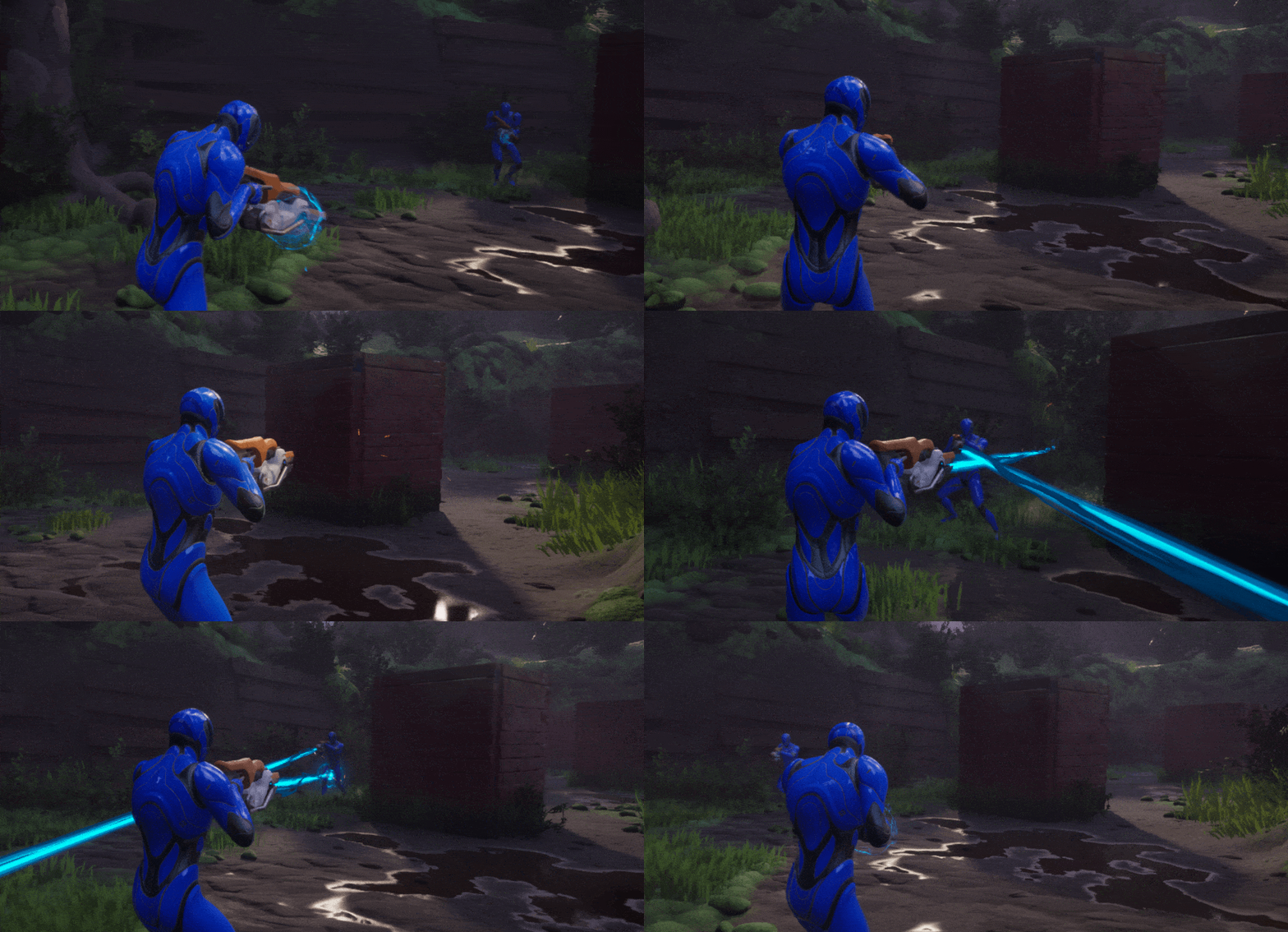
This project shows how to implement Gunsmith on a pawn with a Mover component. It can be played in Standalone, Listen Server or Client mode in editor and builds. Move around with WASD, mouse to look and shoot/ADS and change weapons with numbers 1-3.